
Install NodeNow VPN on Windows
Complete setup in about 5 minutes, no complex configuration.
Beginner-friendly connection on Windows 10 / 11.
- ✅ Free trial available
- ✅ No speed limits
- ✅ Unlimited traffic
Choose Your App — Using NodeNow on Windows
New users should start with the official NodeNow app. No extra setup required.
⭐ NodeNow App (Official)
Sign up, pay, and connect — all from a single app.
- Sign up / log in / pay / connect
- Direct EXE installer
- No subscription URL configuration needed
- Officially signed build — safe to install
⬇️ Download EXE · Setup Guide ↓
Clash Verge (Advanced)
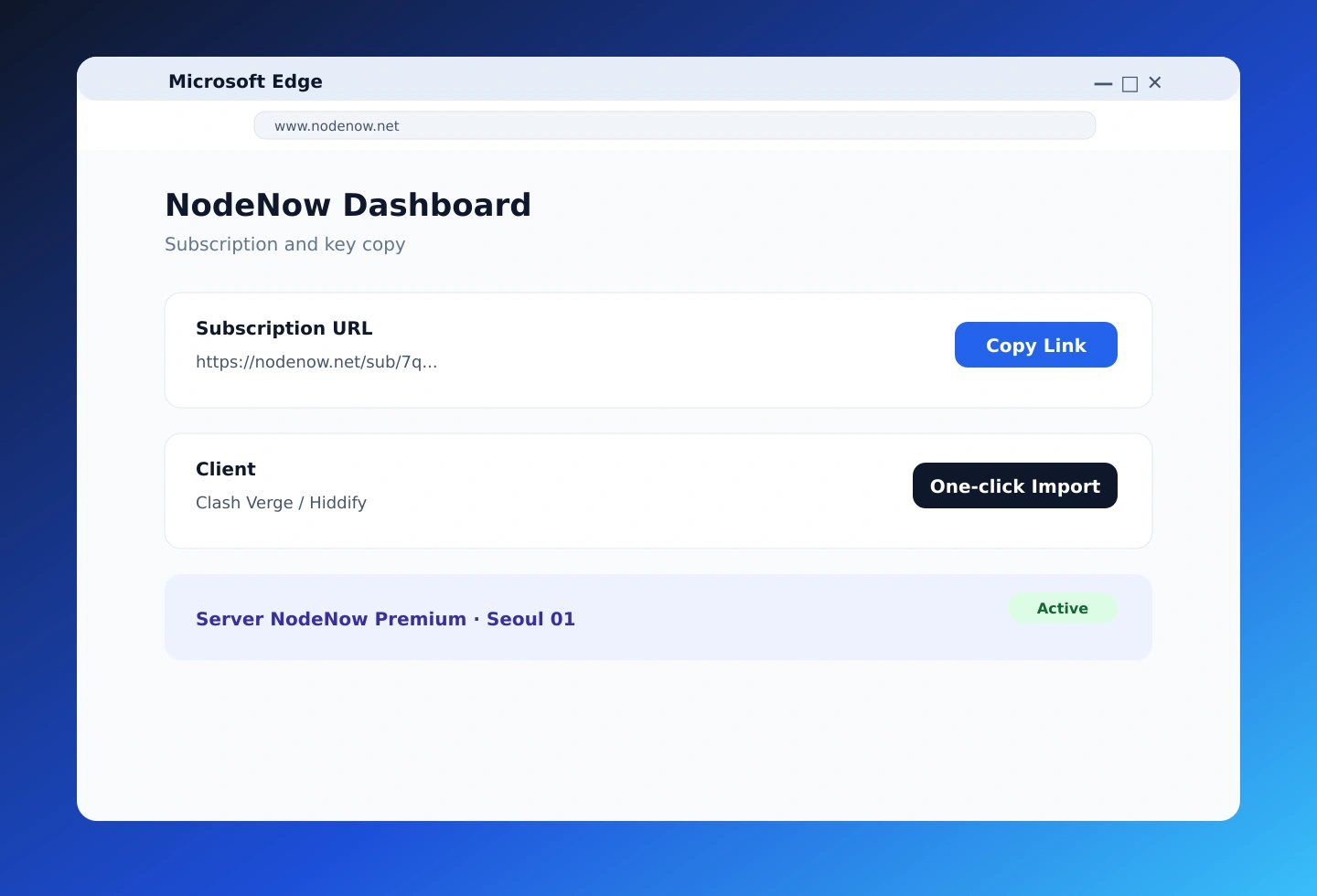
Connect with one subscription URL.
- Easy setup by importing a subscription URL
- Smart routing (split tunneling)
- Ping test to find the best server
- Supported on Windows / macOS
Hiddify (Advanced)
Polished UI, subscription-URL based connection.
- Intuitive UI, easy setup
- Import subscription URL
- Automatic protocol selection
- Windows / Android / iOS / macOS
Installing the Official NodeNow App
The NodeNow Windows app covers sign-up, payment and VPN connection in a single app.
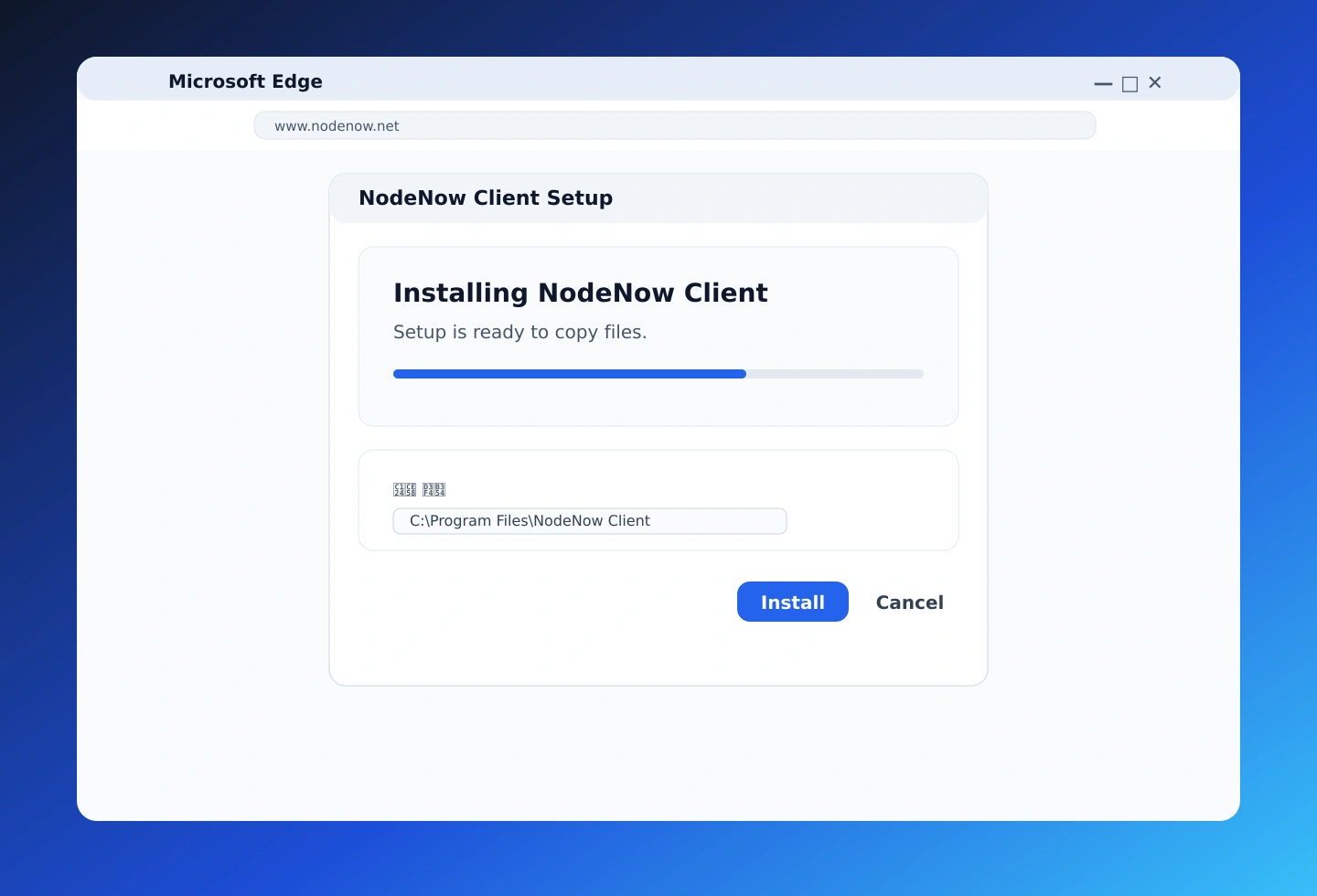
Step 1 — Download the installer
Click the button below to download the official NodeNow installer (EXE).
Step 2 — Proceed past the security prompt
If Windows SmartScreen appears, click "More info", then select "Run anyway". The file is officially signed and safe to install.
Step 3 — Install and connect
After installation, launch the app, sign up or log in, then complete payment and connect your VPN directly from the app.
Which App Is Right for Me? — Windows App Comparison
Pick the app that best matches your use case.
| Feature | NodeNow App ⭐ | Clash Verge | Hiddify |
|---|---|---|---|
| Connection | App login (automatic) | Subscription URL | Subscription URL |
| Difficulty | Easy | Medium | Easy |
| Language support | ✅ Full | ✅ Full | ✅ Full |
| Split tunneling | Basic | ✅ Powerful | Basic |
| Ping test | — | ✅ | — |
| Recommended for | All users (default) | Advanced users | Advanced users |
Quick Start — Three Steps
The fastest, most reliable way to set up VPN on your Windows PC.
1. Prepare your account
Create a NodeNow account at twinnode.net and sign in. Email and password are all you need.
2. Install a Windows app
Choose one of the Windows clients above and install it.
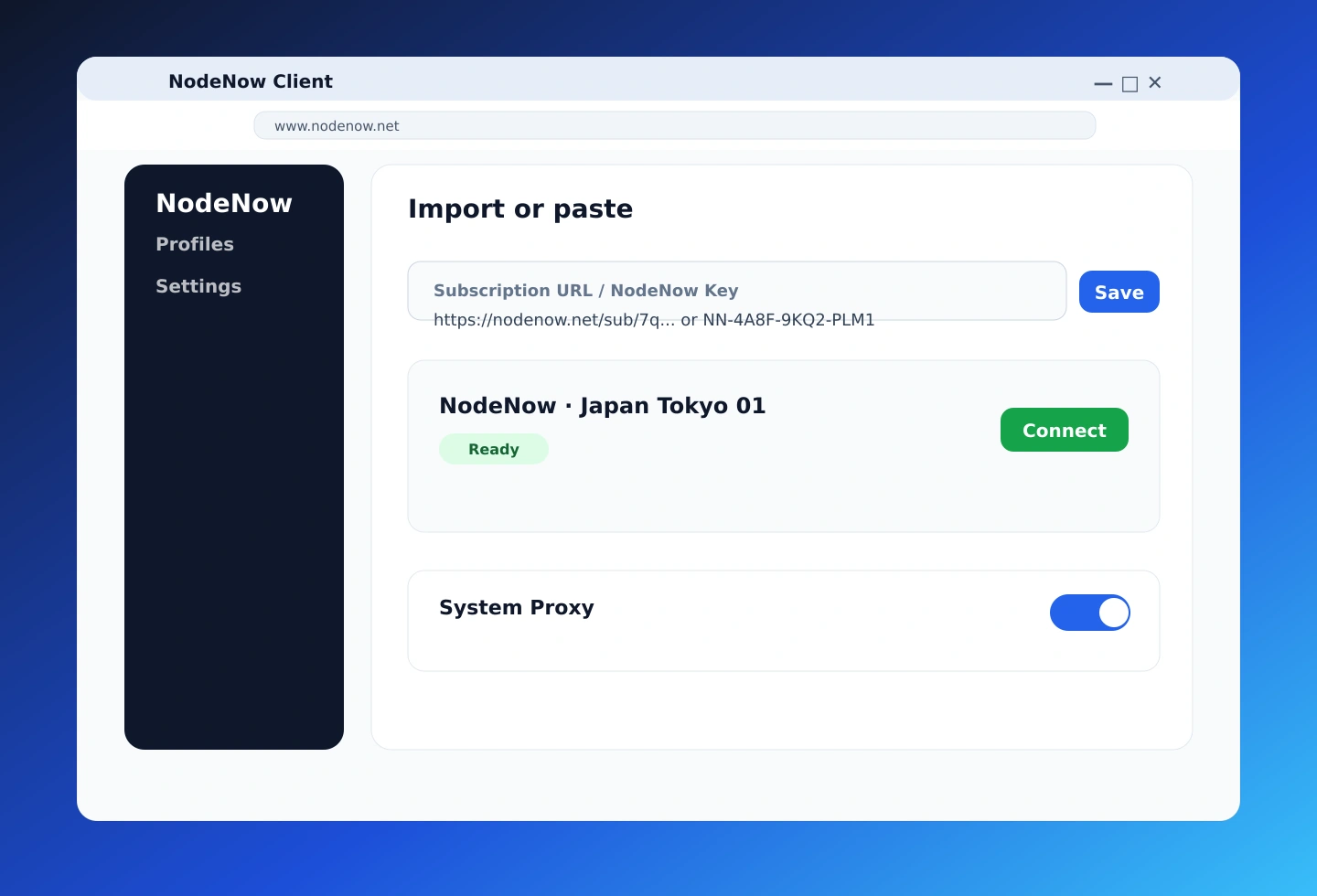
3. Configure & connect
Open the app, sign in, pick a node, and switch connection on.
Why Choose NodeNow?
Easy, fast, secure.
- Simple install — The installer gets you connected in about 5 minutes. No complex setup.
- Stable connection — Stays connected reliably even during long sessions.
- Unlimited traffic — No data caps. Stream and download freely.
- No speed limits — VPN doesn't throttle your speed.
- Multi-device support — Plans support 1 to 5 simultaneous devices.
Frequently Asked Questions
How do I install NodeNow on Windows?
Download the official NodeNow EXE and install it directly. Sign up, pay, and connect from a single app.
Is there a free trial?
Yes. You can start a free trial right after signing up. The trial doesn't auto-charge, so you can try it with confidence.
How many devices can I use simultaneously?
Plans support 1, 2, 3, 4, or 5 simultaneous connections. Pick a 2+ device plan if you want to use your Windows PC alongside a phone.
Are there any speed limits?
No. NodeNow has no speed or traffic limits — stream HD video and download large files freely.
Which app should I use?
Use the official NodeNow app. Sign-up through connection all happens in one app. For advanced configuration, see Clash Verge or Hiddify above.
Does it auto-charge?
No auto-renewal. Pay only for the period you want. If you pay while an active period remains, the new period is appended.
Why does it redirect to twinnode.net?
twinnode.net is the official partner domain for NodeNow account and billing. Same service, safe to use.
Use NodeNow on other devices
One plan works across multiple devices.
- Android Guide (Android 6.0+)
- iPhone / iPad Guide (iOS 13+)
- macOS Guide (macOS 11+)
Install NodeNow on Windows now
Free trial · No auto-renewal · 5-minute setup · Unlimited traffic. Get started →