
NodeNow Official Android Setup Guide
Install the official NodeNow Android app with a simple flow: download → install → log in → choose a node → connect.
- Free trial available
- 30-day money-back guarantee
- No speed limits
- Unlimited traffic
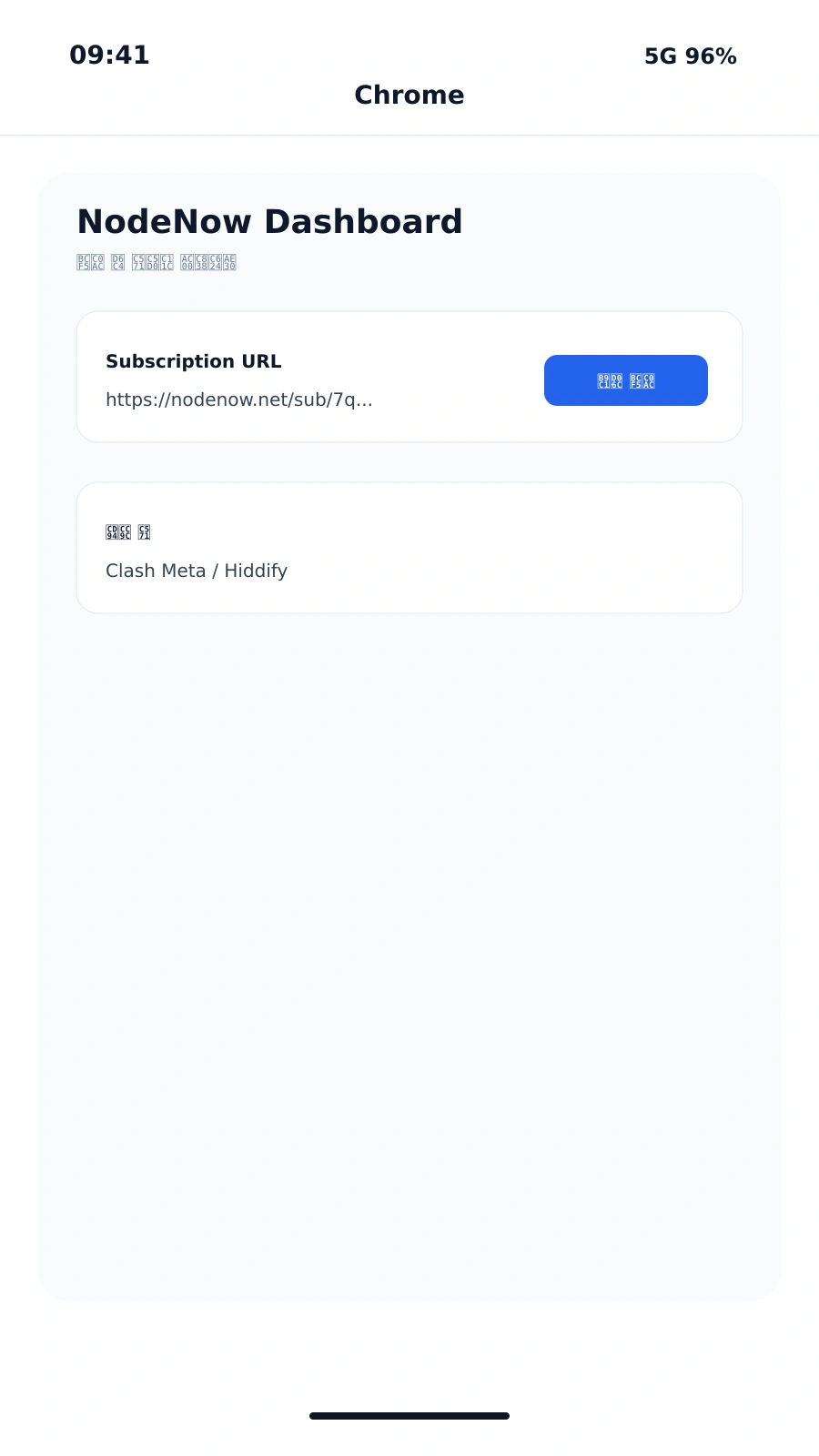
1. Download the APK
Download the official APK from the link below:
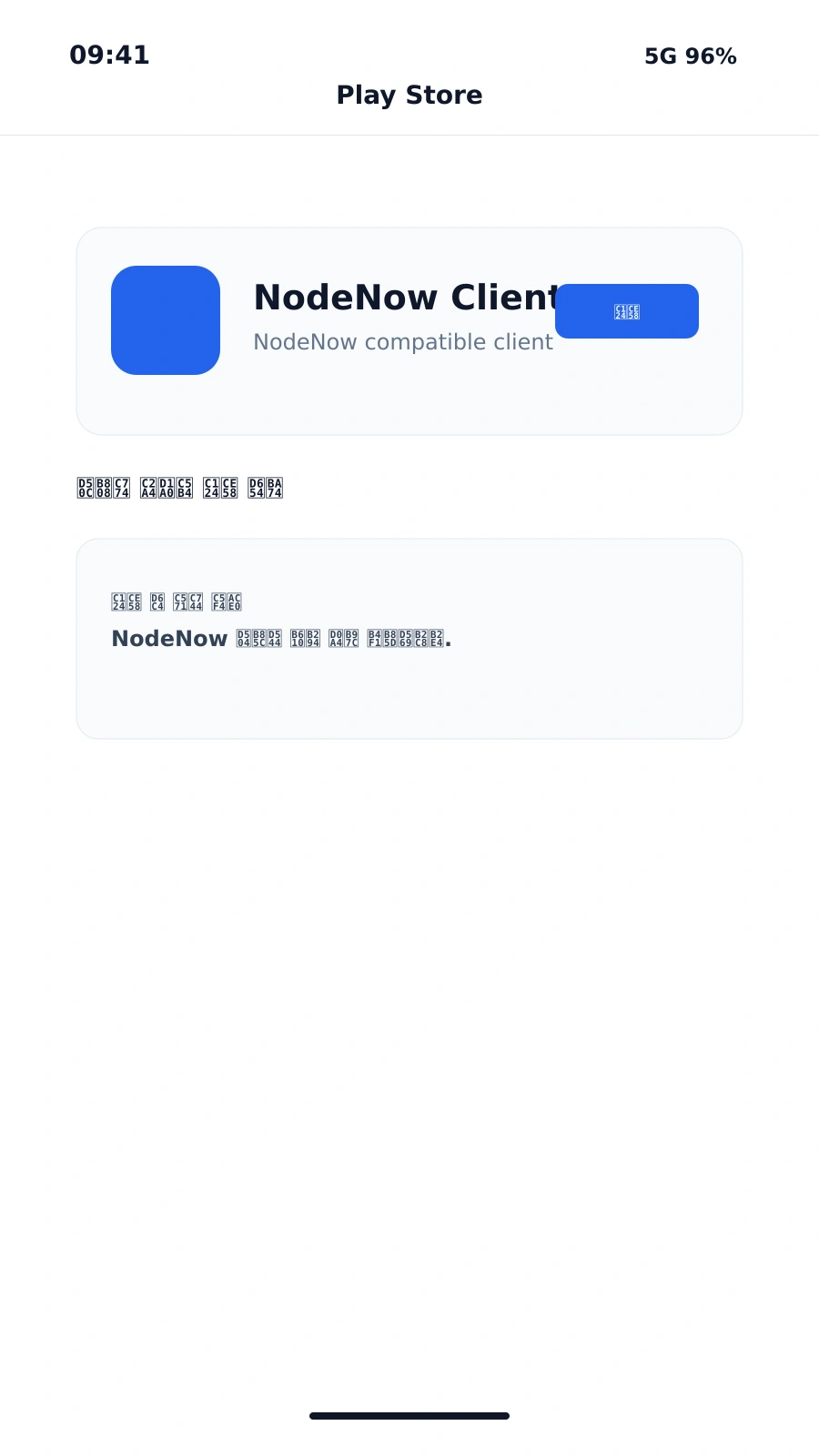
2. Install the app
- Run the downloaded APK file.
- Grant any required installation permissions.
- Launch the app after installation.
3. Log in
- Sign in with your NodeNow account.
- If you do not have an account, register first.
4. Choose a node
- Browse the available nodes in the app.
- Select the node you want to connect to.
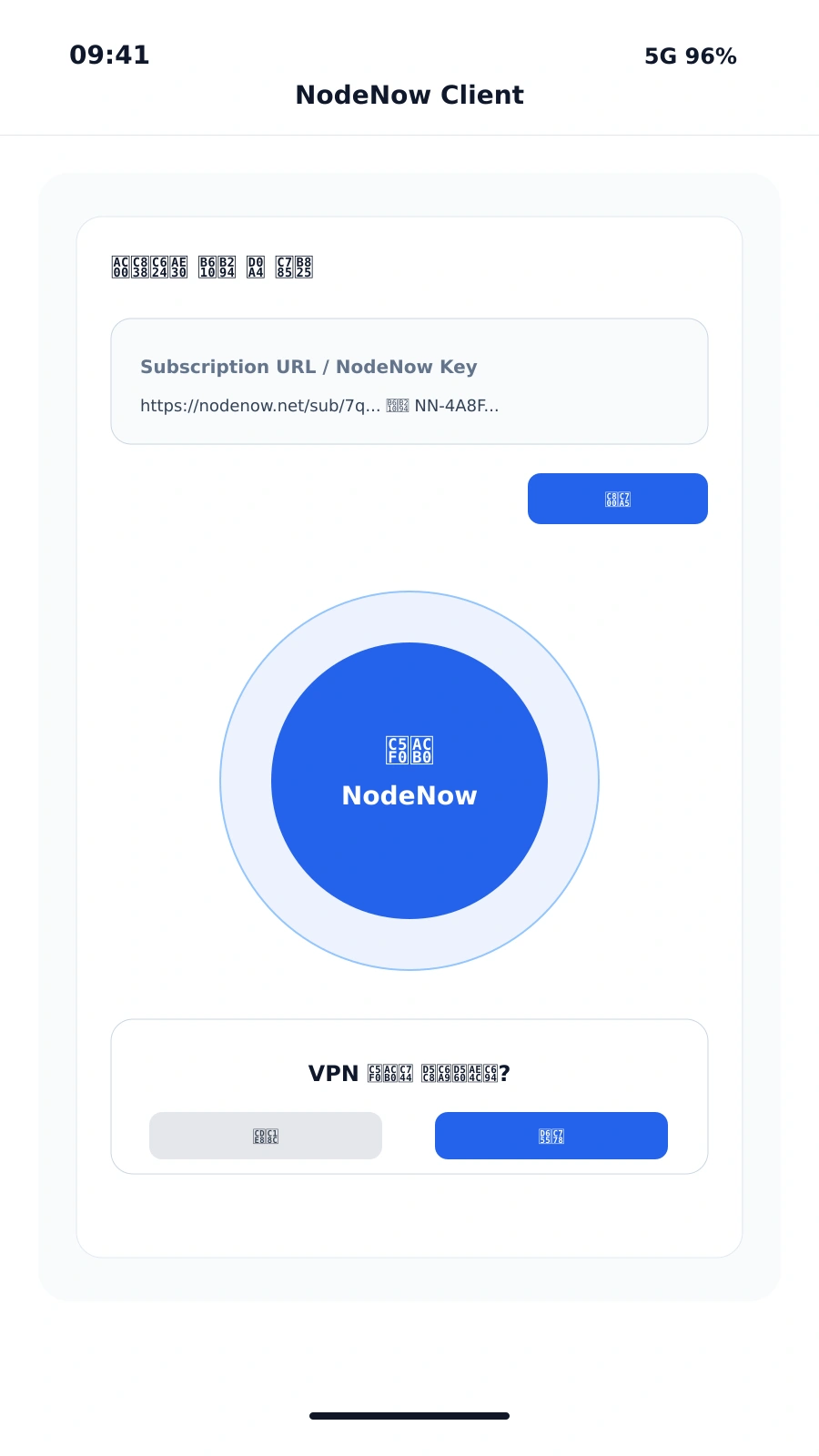
5. Connect
- Tap the connect button for the selected node.
- Once the status shows “Connected,” your VPN is active.
Official recommendation
The official NodeNow Android app is the recommended way to use NodeNow on Android. Use Hiddify or Clash Meta only as secondary options.