
NodeNow Official macOS Setup Guide
Install NodeNow on your Mac by following these steps.
- Free trial available
- 30-day money-back guarantee
- No speed limits
- Unlimited traffic
Step 1: Prepare Your Subscription
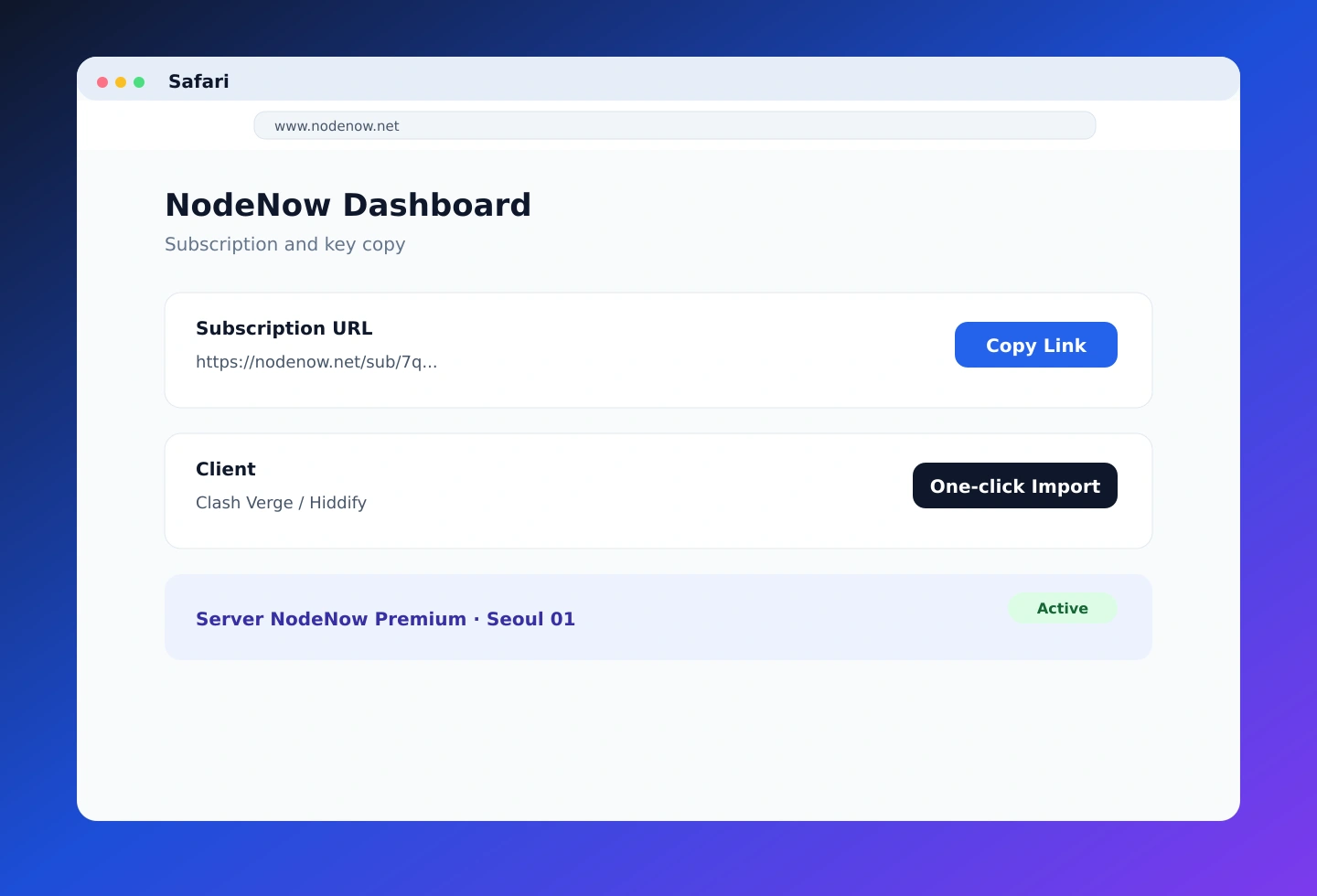
Open the NodeNow dashboard in Safari and copy the subscription link or NodeNow Key for the app you want to use.
Step 2: Install a macOS App
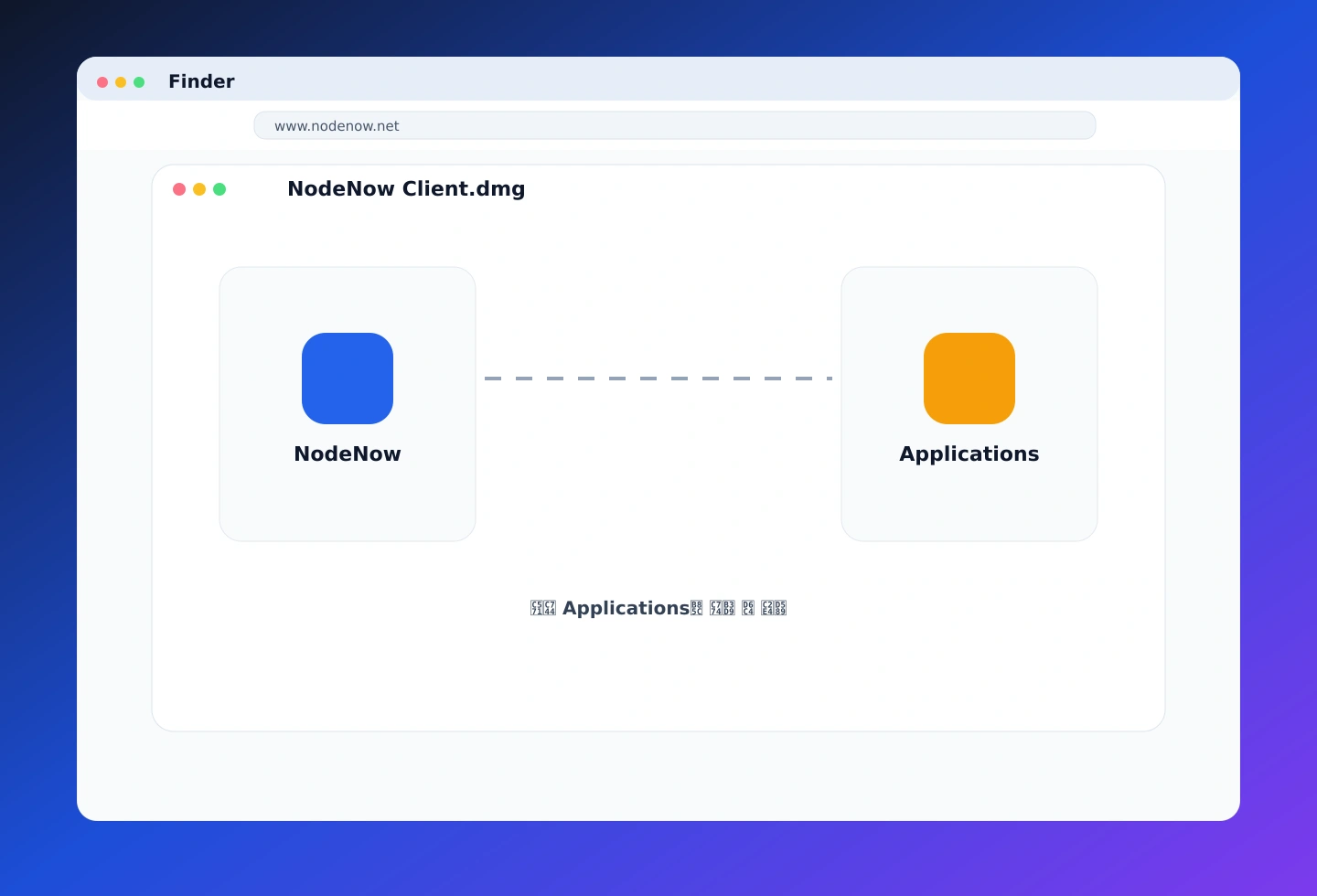
Install a supported app from a DMG or the Mac App Store, move it to Applications, and approve any required security prompts.
Step 3: Import and Connect
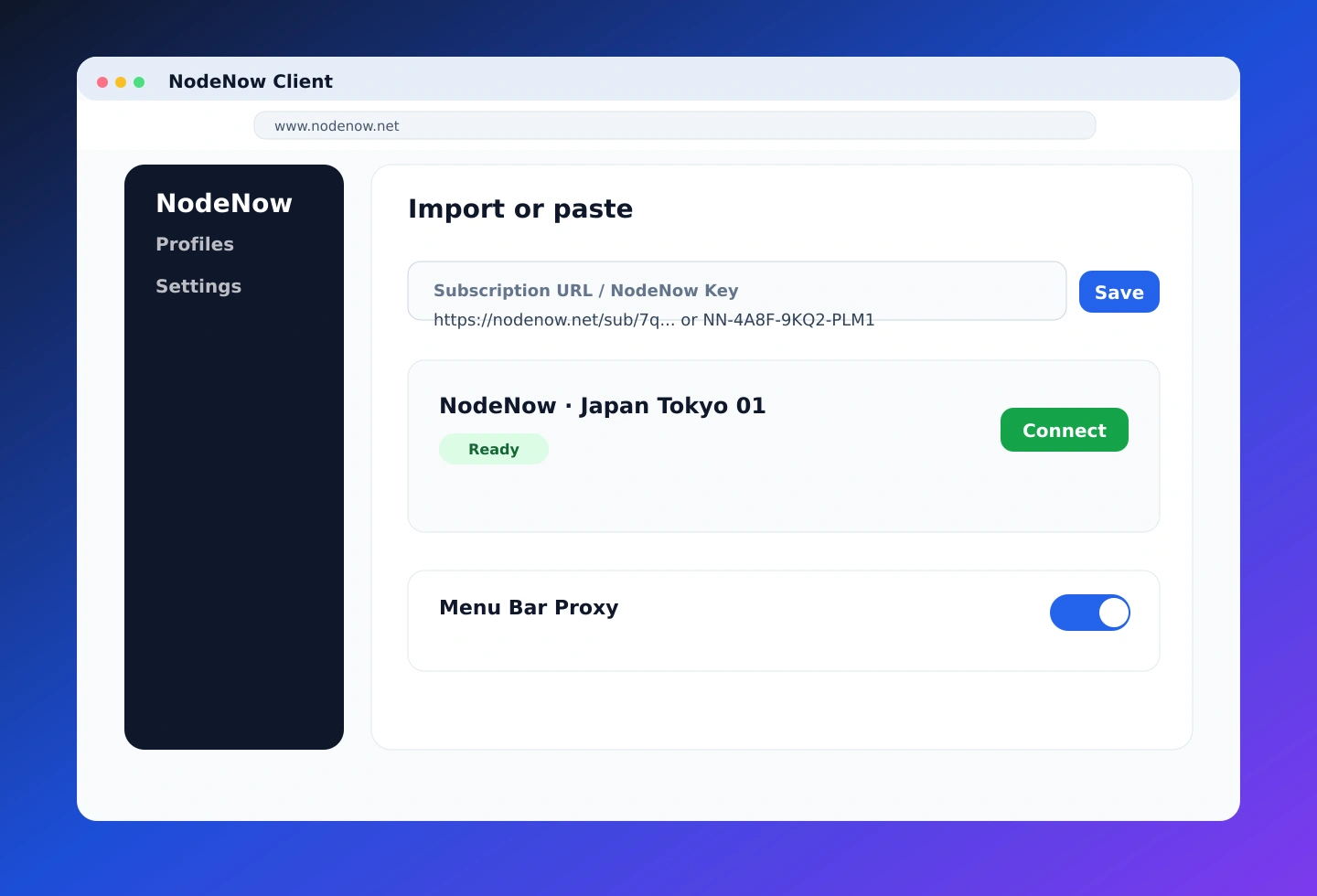
Paste the subscription URL or NodeNow Key into the app, then turn on the connection toggle.
Official App Note
NodeNow on macOS is best used via a supported macOS client. The fastest setup is to install the supported app, add your NodeNow subscription, and connect.
Recommended Apps
- Clash Verge: full support for Apple Silicon / Intel, smart auto-bypass
- Hiddify: modern UI, App Store/GitHub installation, beginner-friendly
Flow
- Copy the NodeNow subscription link from the dashboard
- Install the supported macOS app and allow security permissions
- Import the subscription URL or NodeNow Key into the app
- Start the VPN connection