
NodeNow VPN for macOS — Download & Setup Guide
Install NodeNow easily on your Mac.
Setup completes in about 5 minutes on macOS 11 or later.
- ✅ Free trial available
- ✅ No speed limits
- ✅ Unlimited traffic
Quick Start — Three Steps
The fastest way to get VPN running on Apple Mac.
1. Prepare your account
Create a NodeNow account at twinnode.net and sign in.
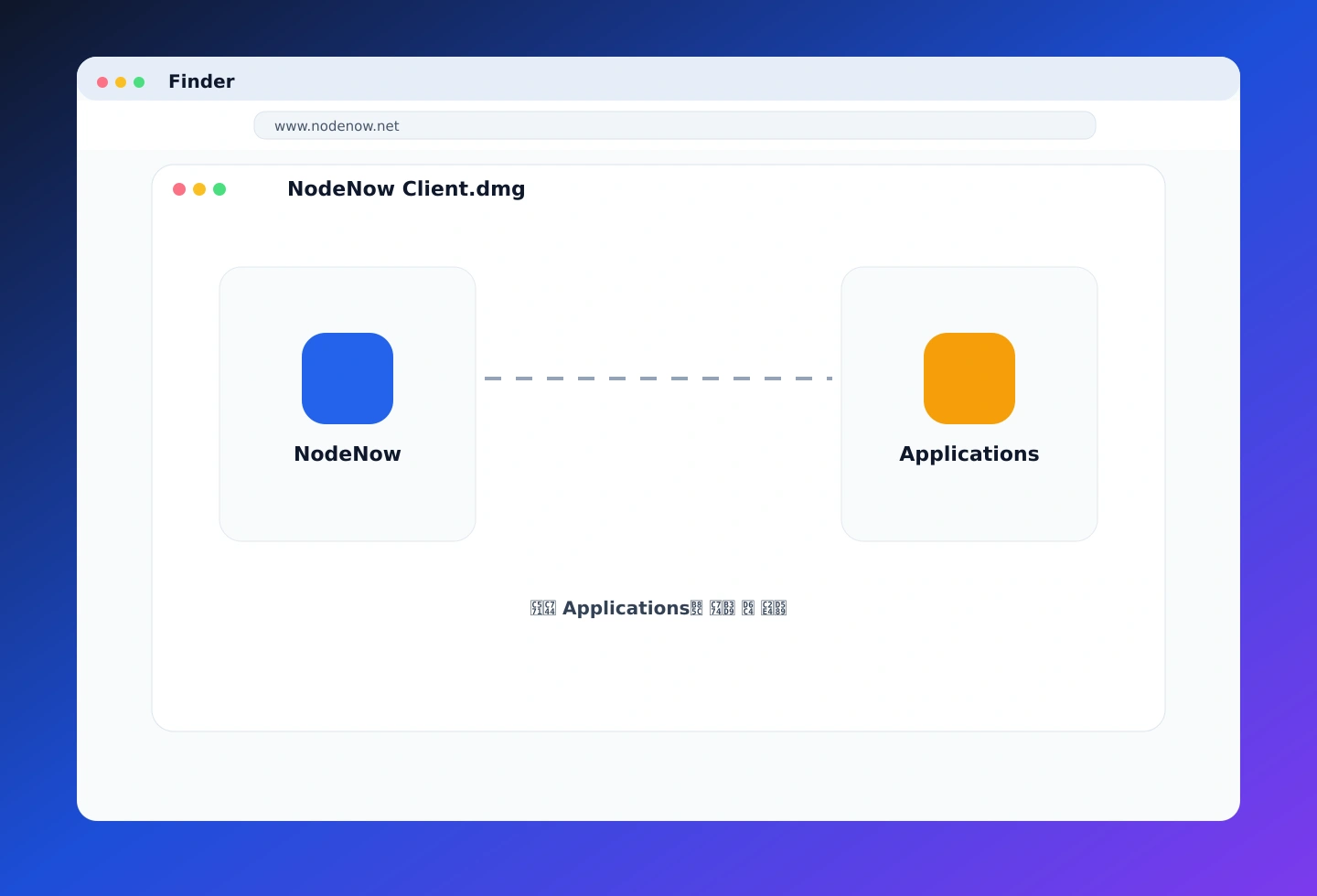
2. Install a Mac app
Install the app from DMG or the App Store. If prompted, move it to Applications and allow the required security permissions.
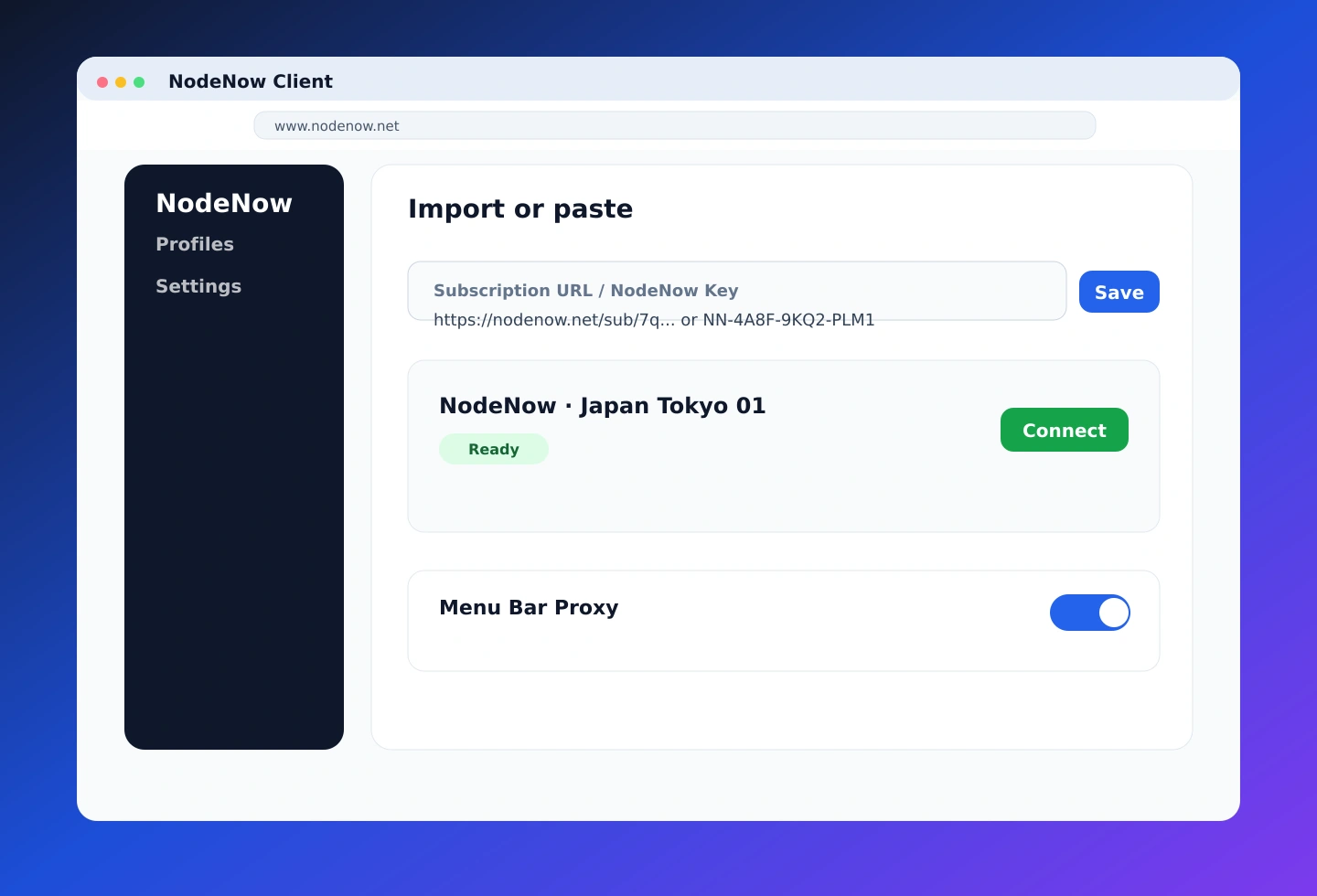
3. Configure & connect
Follow the app guide to add your VPN configuration, pick a server, and toggle the connection on.
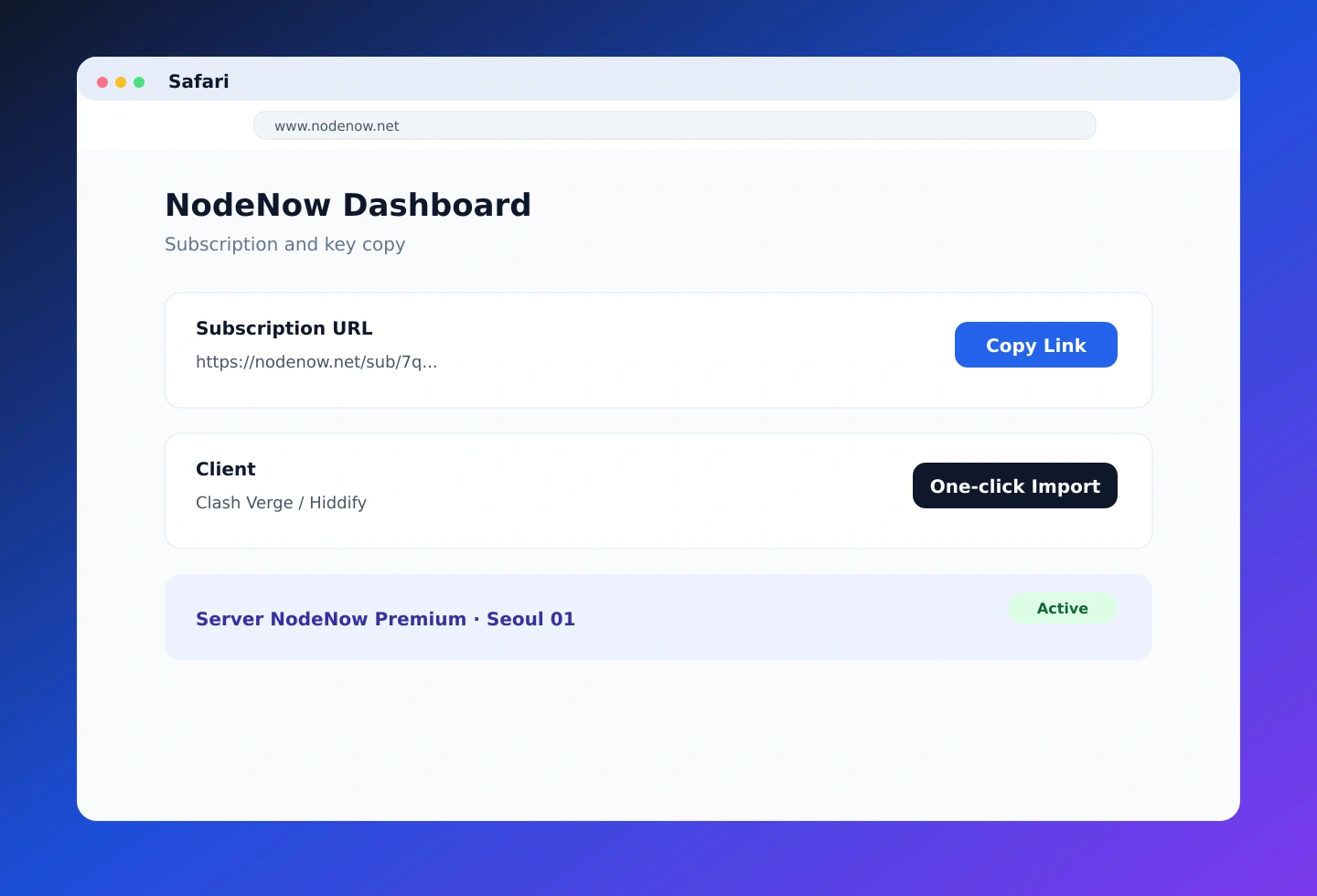
Official partner domain
Account creation and payment are handled securely on the official partner domain twinnode.net — free trial, no auto-renewal.
Advanced Clients (Optional)
If you're new, follow the 3-step quick start above. The apps below offer more advanced configuration.
Clash Verge (Advanced · Free)
The most powerful and stable client.
- Full Apple Silicon (M1/M2/M3) and Intel support
- Smart automatic routing via global rulesets
- Full compatibility with all modern protocols
⬇️ Mac Apple Silicon · ⬇️ Mac Intel · Setup Guide
Hiddify (Advanced · Free)
Modern interface with a strong app ecosystem.
- Transparent open-source project, multi-platform
- Beginner-friendly subscription-adding UI
- Install from App Store or GitHub
Which App Is Right for Me? — macOS App Comparison
| Feature | Clash Verge (Recommended) | Hiddify (Modern) |
|---|---|---|
| Connection | Subscription URL | Subscription URL (one-click) |
| Language support | ✅ Full | ✅ Full |
| System proxy | ✅ | ✅ |
| M1/M2/M3 support | ✅ Native | ✅ Full |
| Dark mode | ✅ | ✅ |
| Recommended for | All users | UI-focused users |
Frequently Asked Questions
How do I install on Mac?
Download Hiddify or Clash Verge from the Mac App Store or GitHub, then follow the app guide to set up the VPN.
Is there a free trial?
Yes. Free trial available right after sign-up. No auto-renewal.
How many devices can I use simultaneously?
Plans support 1 to 5 simultaneous connections. Pick 2+ device plan to use Mac and iPhone together.
Are there any speed limits?
No. NodeNow has no speed or traffic limits.
Which app should I use?
On macOS, Clash Verge (free) or Hiddify (free) both work well.
Why does it redirect to twinnode.net?
twinnode.net is the official partner domain for NodeNow account and billing. Same service, safe to use.
Use NodeNow on other devices
- Windows Guide (Windows 10 / 11)
- Android Guide (Android 6.0+)
- iPhone / iPad Guide (iOS 13+)
Install NodeNow on Mac now
Free trial · No auto-renewal · Unlimited traffic. Get started →