
NodeNow Official iPhone / iPad Setup Guide
Use NodeNow on your iPhone and iPad by following these steps.
- Free trial available
- 30-day money-back guarantee
- No speed limits
- Unlimited traffic
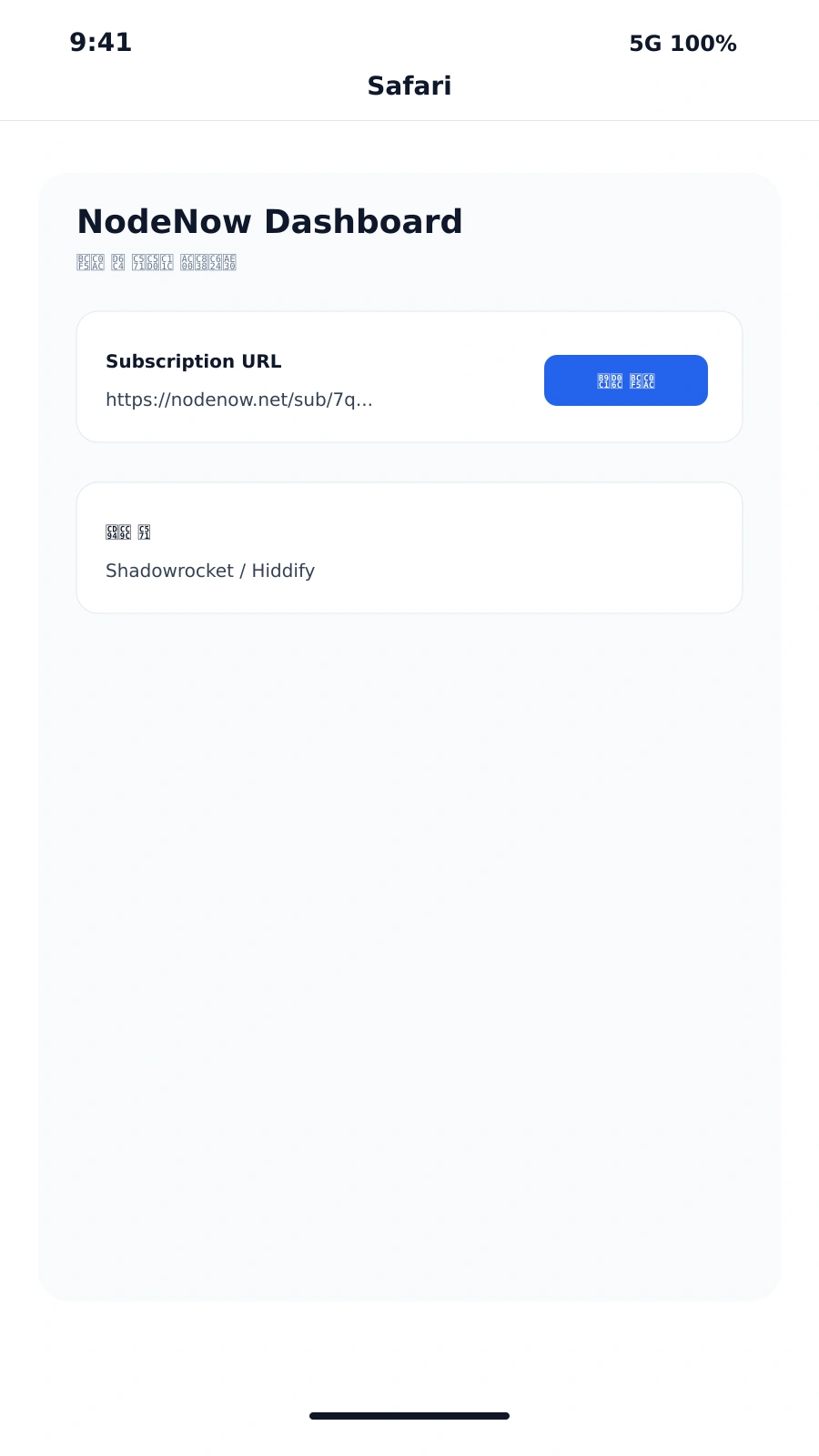
Step 1: Prepare Your Subscription
Open the NodeNow dashboard in Safari and copy the subscription link or NodeNow Key for the app you plan to use.
Step 2: Install a Supported App
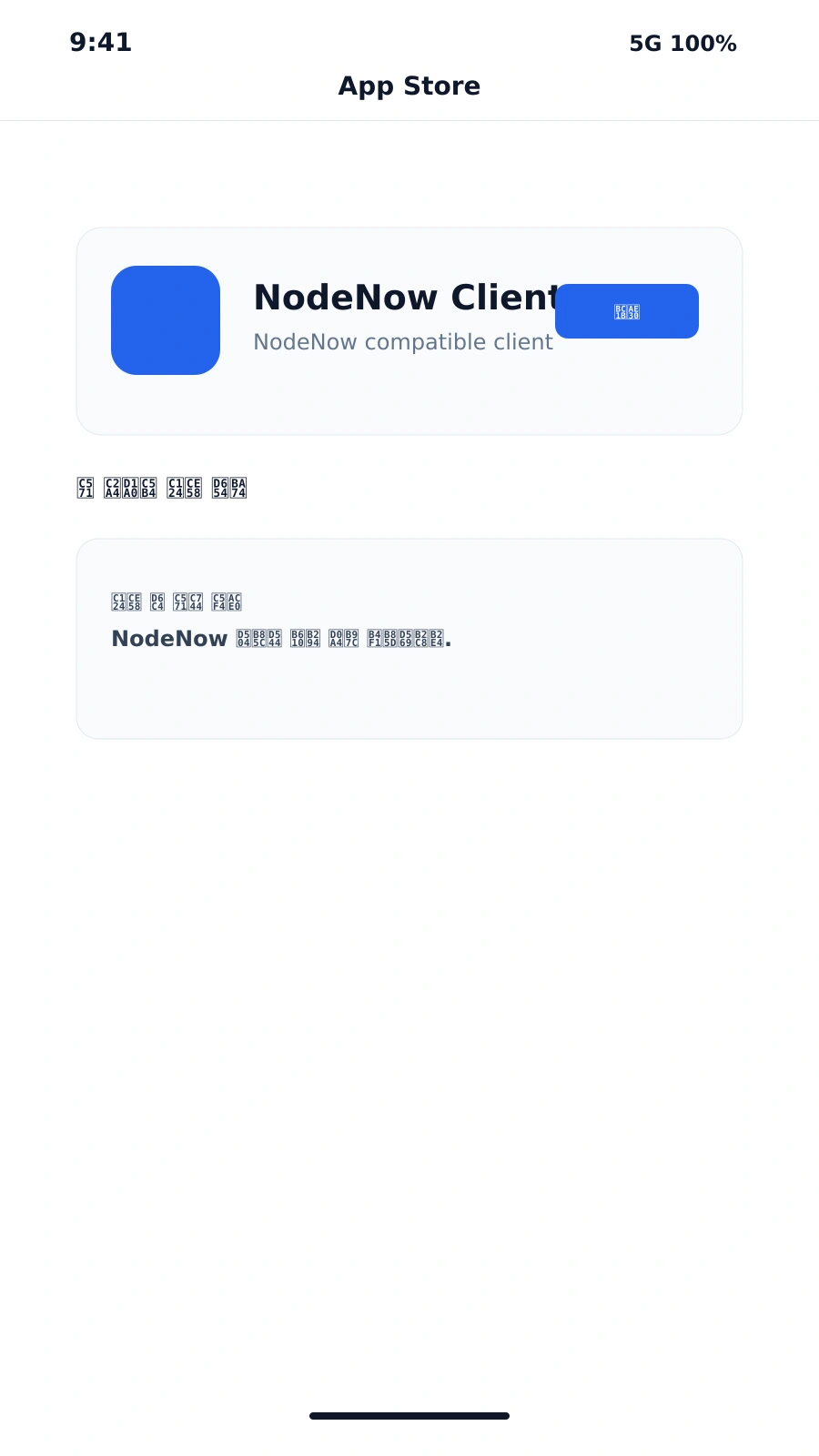
Install a supported app such as Hiddify or Shadowrocket from the App Store.
Step 3: Import and Connect
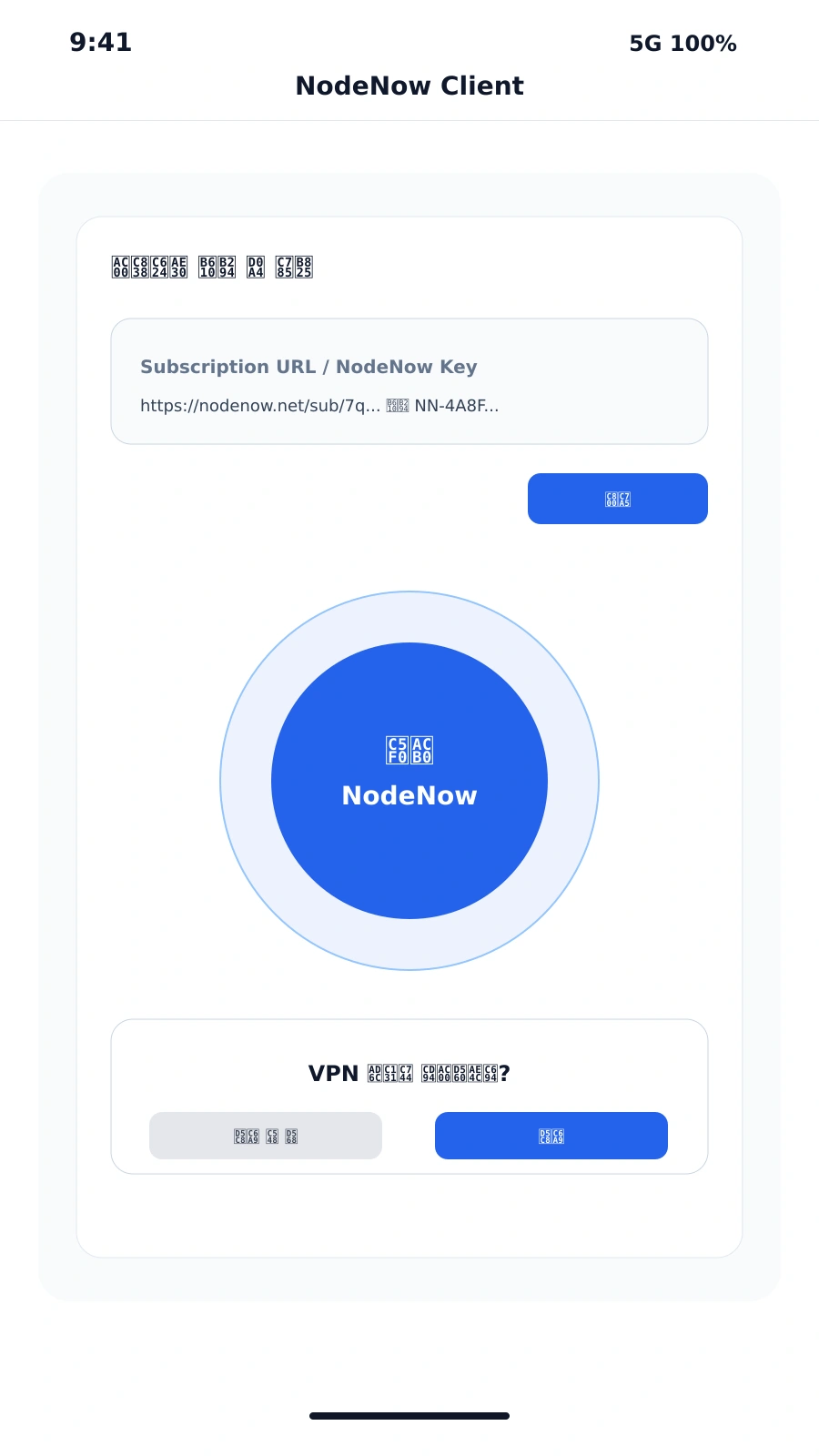
In the app, paste your subscription URL or NodeNow Key, allow VPN configuration, and start the connection.
Official App Note
A dedicated NodeNow iOS app may not be available in the App Store. Use Hiddify or Shadowrocket as officially supported clients for the NodeNow service.
Recommended Apps
- Shadowrocket: powerful customization and one-click subscription import
- Hiddify: modern UI, auto-updating subscription support, free to use
Flow
- Copy the NodeNow subscription link from the dashboard
- Install a supported app from the App Store
- Paste the subscription URL or NodeNow Key into the app
- Start the VPN connection